
Resolve live production failures at the execution level
Ground your AI agents in live execution context to diagnose failures and validate fixes, without rebuild cycles or local reproductions.
Let your agents query runtime state
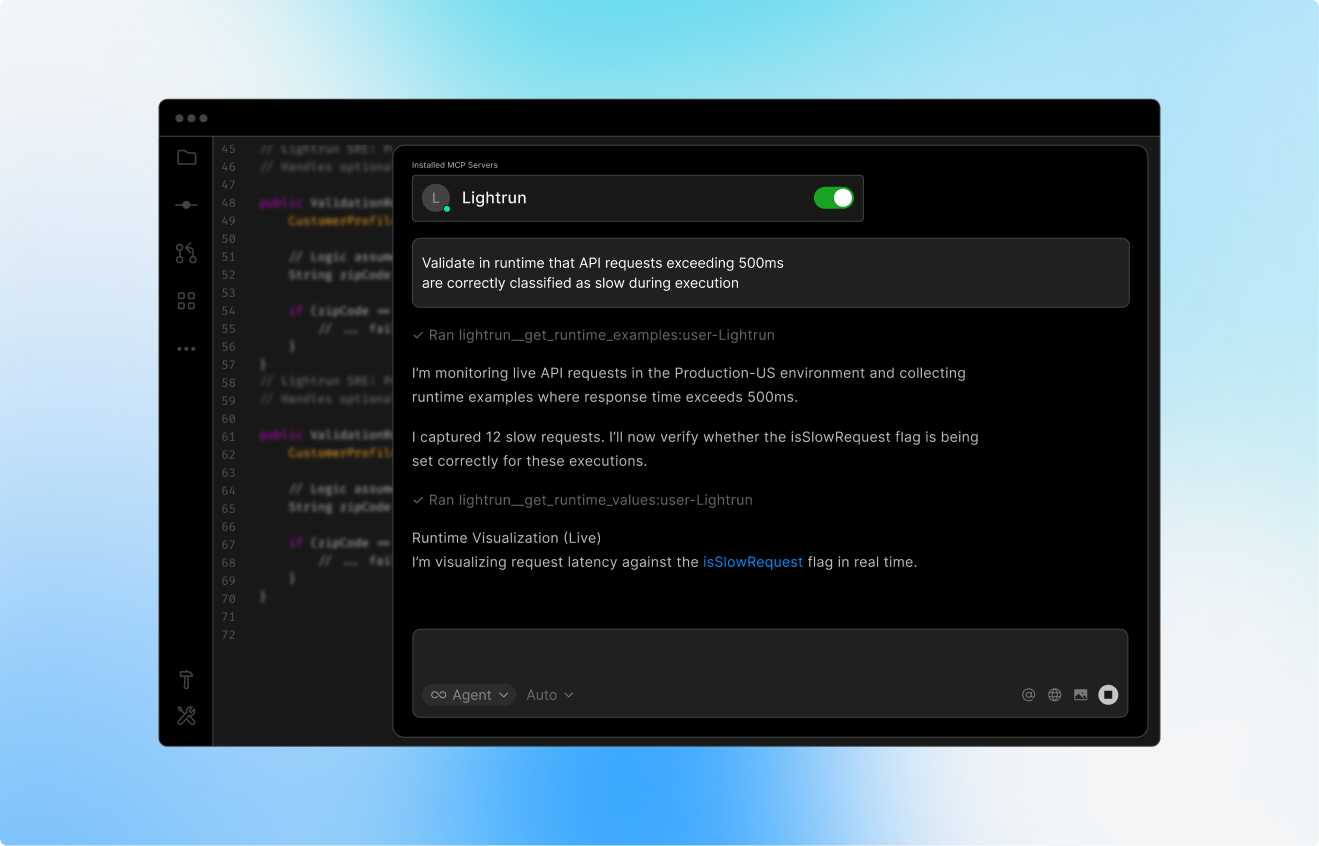
Lightrun guides agent runtime investigations from problem statement to diagnosis, all anchored in live execution evidence.
See the exact
failing path
The agent traces real execution under live traffic, not reconstructed behavior from partial logs.
Inspect state at
the point of error
It captures variables, call stacks, inputs, and downstream responses when the issue manifests.
Validate the fix
before rollout
The agent produces a diagnosis, confidence level, and fix proposal before deployment.
How Lightrun resolves live production failures
Lightrun combines natural language investigation with dynamic runtime instrumentation
to diagnose and validate fixes directly in live environments.
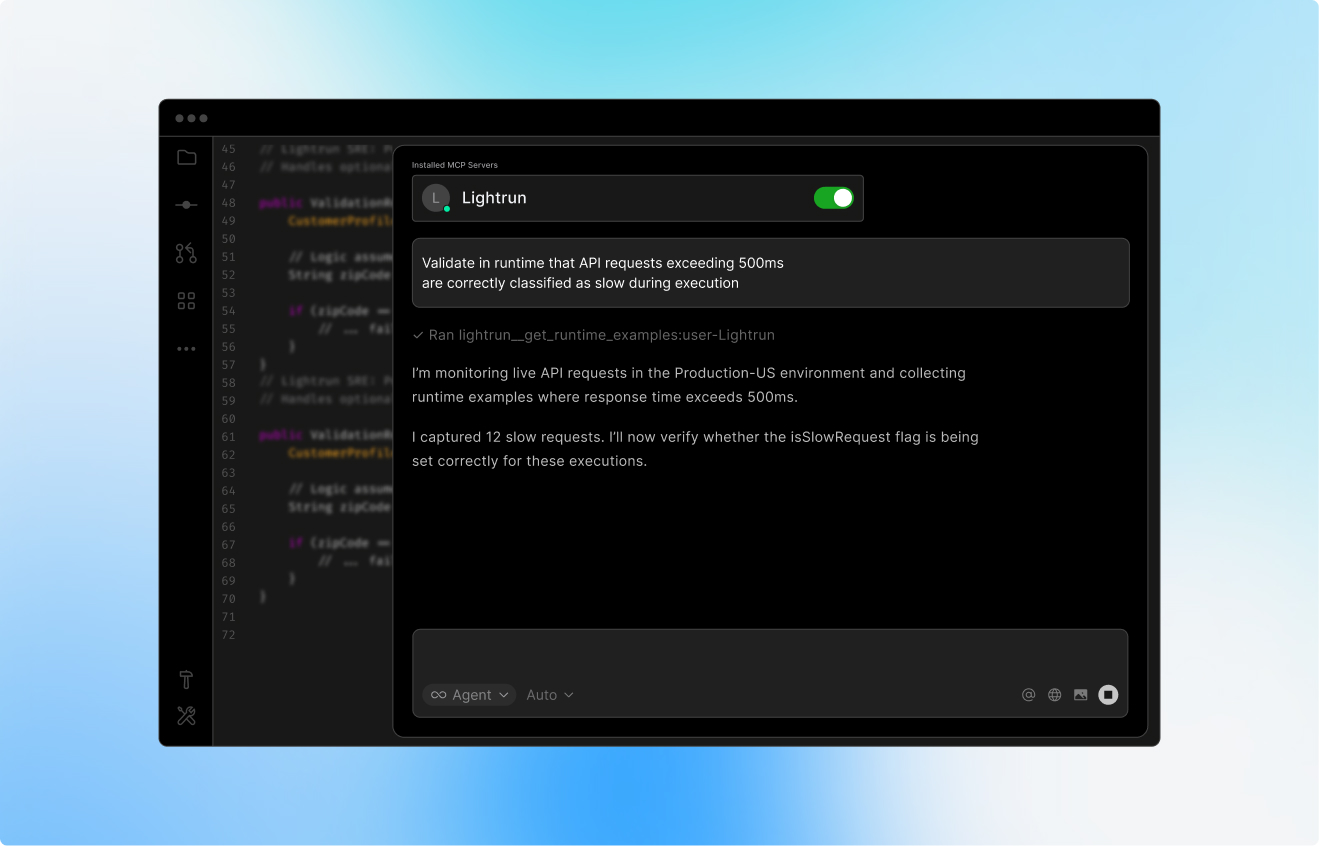
Describe the issue
to your agent
Explain the problem, or paste a ticket into your agent chat. It will use Lightrun’s live debugging skill to query, hypothesize, and investigate using real-time runtime context.
Your agent instruments
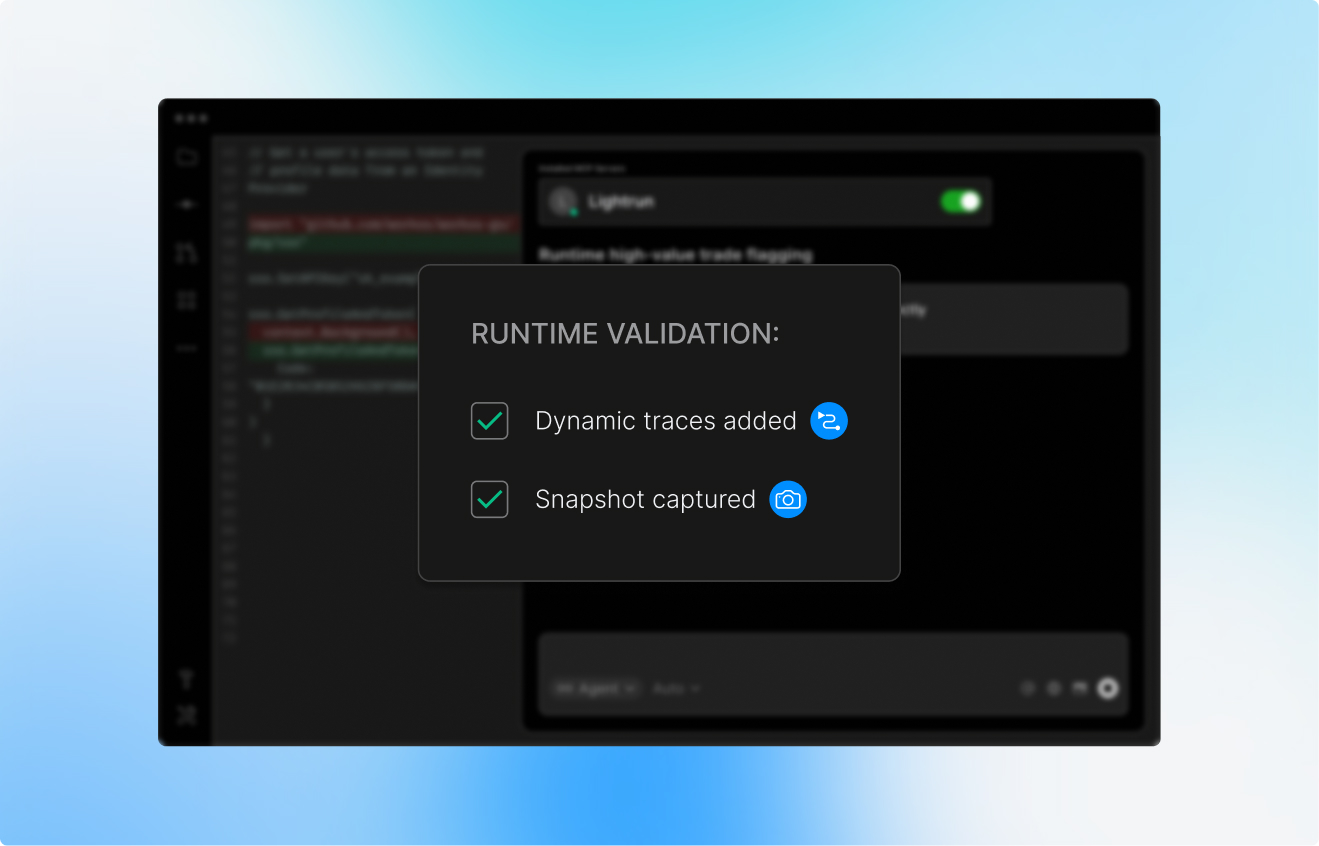
the system with Lightrun
It places dynamic logs and metrics at precise execution points, based on likely hypotheses, to confirm or rule out root causes.
It captures live
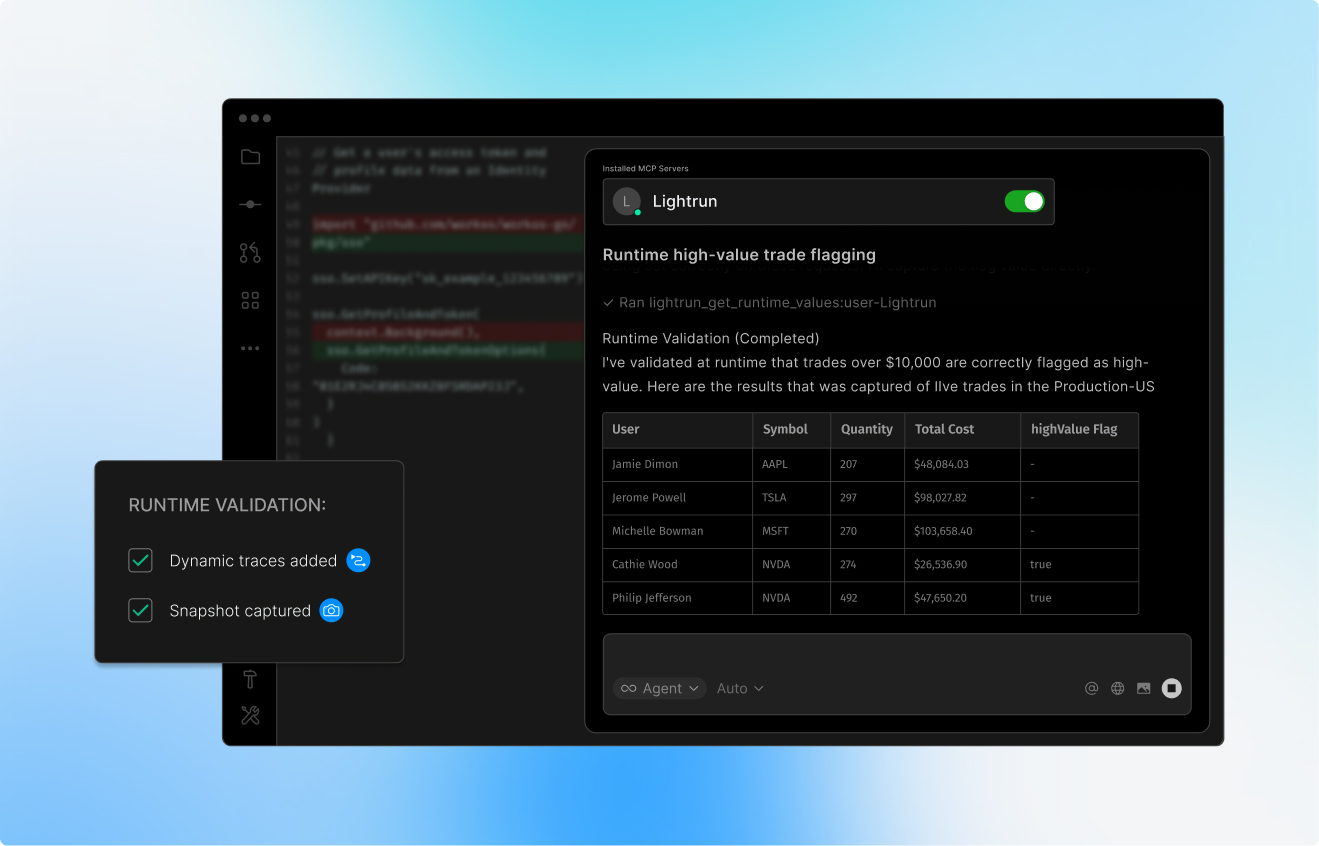
execution evidence
It captures variables, branch decisions, call stacks, and downstream responses at the exact moment the issue manifests under real traffic.
Get a structured diagnosis
and its solution
The investigation ends with a confirmed diagnosis, confidence level, evidence summary, and a concrete fix proposal, ready to act on without a single redeployment
Frequently asked questions about live runtime debugging
Real-time debugging in production systems is the practice of investigating live application behavior, variables, call stacks, branch decisions, and execution counts, without stopping the application, redeploying code, or reproducing the issue locally. Unlike traditional debuggers, it works directly against running traffic in staging or production environments.
You can debug production code without redeploying by using dynamic instrumentation, adding logs, snapshots, and metrics directly to a running application through a runtime agent. Lightrun’s agent attaches to live services in a read-only sandboxed environment and inserts instrumentation at specific execution points on demand, with automatic cleanup after the investigation. No code changes or restarts are required.
Yes, when instrumentation is sandboxed and governed. Lightrun runs all instrumentation in an isolated sandbox outside the main execution path, so logs, metrics, and snapshots never pause threads or alter runtime state. A central Management Server brokers every request, enforces access policies, and automatically redacts sensitive data before it reaches the client.
Lightrun’s Live Runtime Debugging Skill guides an AI agent through a structured investigation of live runtime issues using Lightrun MCP. It moves from a problem statement to a diagnosis by forming hypotheses, running a preflight check to discover available runtime targets, placing targeted instrumentation to collect evidence, and closing with a confirmed diagnosis, confidence level, and fix proposal, without redeploying the application.
The Live Runtime Debugging Skill works with any MCP-compatible AI agent, including Claude Code, Cursor, Codex, Gemini, Kiro and many others. It uses the Lightrun MCP server to connect AI assistants to live runtime context. Setup requires installing Lightrun MCP and authenticating it within your AI client.
When given a problem statement, the Live Runtime Debugging Skill guides the AI agent to list at least two plausible hypotheses before touching any runtime tool. It then runs a preflight check to identify available targets, places instrumentation only where needed to confirm or rule out each hypothesis, and closes with a structured handoff: diagnosis, confidence level, evidence summary, and a concrete fix proposal.
AT&T reduced Time to Resolve incidents from
5 hours to 30 minutes avoiding costly war rooms

“The unique solutions that Lightrun is developing dramatically impact how developers operate.” Siris Singh, Global Head of Markets Strategic Investments

Taboola reclaimed 260+ hours of monthly engineering
capacity by eliminating manual reproduction

“When it comes to priority-one tickets, customers can’t wait days for a fix. Lightrun helps us reduce that to hours, that’s a huge win for us and for our customers.”
Hood Munaim SVP, Head of Product Engineering

Priceline increased developer productivity
by 30% across workflows over 2000+ services

“Lightrun not only saved us days, if not weeks, of painstaking debugging but provided an efficient approach to tackling complex issues in production.” Tomer Glicksman, SalesForce

Drata accelerated incident response velocity by 30% while maintaining strict compliance standards.

Inditex engineers used Lightrun’s live, dynamic logs and snapshots directly from their IDE to dig into a critical production issue and uncover a rounding bug quickly.